Culler Middle School is a professional learning community with a tradition of service, a culture of collaboration, and a commitment to student learning.

The Cougar Connection

December 2025

Upcoming Dates

  • 12/4 Band Concert 6pm
  • 12/10 Food Market
  • 12/10 Chipotle Dine out night 4-8pm
  • 12/11 Orchestra and Jazz Concert 6pm
  • 12/12 Winter Dance 4:30-6:00pm
  • 12/16 Vocal Concert 6pm
  • 12/22-1/2/26 No School

Students of the Month

6th Grade

  • Mary Chuol
  • Mohamed Al-Zuheri
  • Jodazi Settrini-Andrade
  • Kevin Rivera Hernandez

7th Grade

  • Erik Bosovyk
  • Amy Nguyen
  • Vania Gaitan
  • Oscar Claudio

8th Grade

  • Kira Synia
  • Benson Do
  • Jane Duffy
  • Jodazi Settrini-Andrade

EL

  • Beginning- Eltaf Amiri
  • Developing- Kevin Rivera Hernandez
  • Expanding- Nawid Ullah Nazim
  • Newcomer- Louise Gilbert

7th & 8th Grade Intramurals

Greetings Cougar Parents/Guardians!

If your 7th or 8th grade son is interested and planning on playing basketball this season for Culler, there will be a short meeting on Wednesday December 10th from 3:10-3:30 p.m.

This meeting will take place in our East Gym.  Basketball practice will then begin after the 10th each day after school, except Tuesdays.  There will be no practice on Tuesdays.

Our 7th and 8th grade teams are separate and will include an A, B, and C teams for each grade.  Our “tryouts” are to see what team your son will participate on. 

The teams will not be permanent, to allow each athlete to earn their spots.  Grades, skill level, and behavior in school will all be a factor in determining our teams. 

If you have any questions, please reach out and I will be more than happy to assist you.  Don’t forget to check our athletic website for all the information as we go through the season.  We look forward to seeing your son on the 10th!”

Jeff Williams
Culler A.D.
Health/P.E.
402-436-1210
jwillia6@lps.org

The Culler Library

Empower learners to be curious, critical, and creative thinkers; enthusiastic readers; skillful researchers; and conscientious digital citizens.

Need a library book now?

Did you know students can access materials 24/7 in Sora? Select from thousands of high-interest eBooks, audiobooks, graphic novels, and magazines in Sora.

  • Go to LPS Portal.
  • Log in with your LPS credentials. Contact your school office if your student does not know his/her username and password.
  • Select Sora from the alphabetical listing in the LPS portal.
  • Browse and check out an eBook.
  • You can also download the Sora App on your devices.
  • If you need more information contact your librarian.

Digital Citizenship Tips

Artificial Intelligence is here and it can impact our lives in several ways. Here are some questions to get the conversation about AI started at home:

  • What AI tools have you engaged with (Gemini, Alexa, Grok, ChatGPT, SnapChat, etc.)?
  • How can AI be helpful? What are the risks of using AI?
  • Conversations with AI can seem quite real. Can you trust AI to give helpful information and advice?
  • When is it appropriate and not appropriate to use AI?
  • AI systems are learning from pretty much everything on the internet. How do you feel about all your posts and photos being used to train them without you even knowing?


Want ideas for supporting digital citizenship in your home? Follow your school, LPS Library Services, or #lpsdigcit on social media to get weekly tips. Find additional digital citizenship tips on our website: Library Services Digital Citizenship Tips

School Yearbook Fund-a-Need

Check out the link below for our fund a need campaign for Yearbook Funds for Students-in-Need at Culler.

https://foundationgive.com/campaigns/6792/yearbook-funds-for-students-in-need-at-culler

Library Staff

Mrs. Lisa Maupin

lmaupin@lps.org

Mrs. Ahmed

lahmed@lps.org

ELL Information

Culler ELL Teachers

Ms. Deras

aderas@lps.org

Ms. Yeoh

syeoh@lps.org

Ms. Iman Al-Saadi

ialsaad@lps.org

Ms. Joanna Walton

Ms. Joanna Walton

jwalton@lps.org

Ms. Kelly Dugdale

Ms. Kelly Dugdale

kdugdale@lps.org

Ms. Rosie Gomez

Ms. Rosie Gomez

rgomez@lps.org

Mr. Inoussa Malgoubri

Mr. Inoussa Malgoubri

malgoub@lps.org

Ms. Susie Seaman

Ms. Susie Seaman

sseaman@lps.org

Ms. Maysoon Shaheen

Ms. Maysoon Shaheen

mshaheen@lps.org

Liaisons

Aqeel Fadhil

Arabic

Aqeel Fadhil
(402) 436-1715
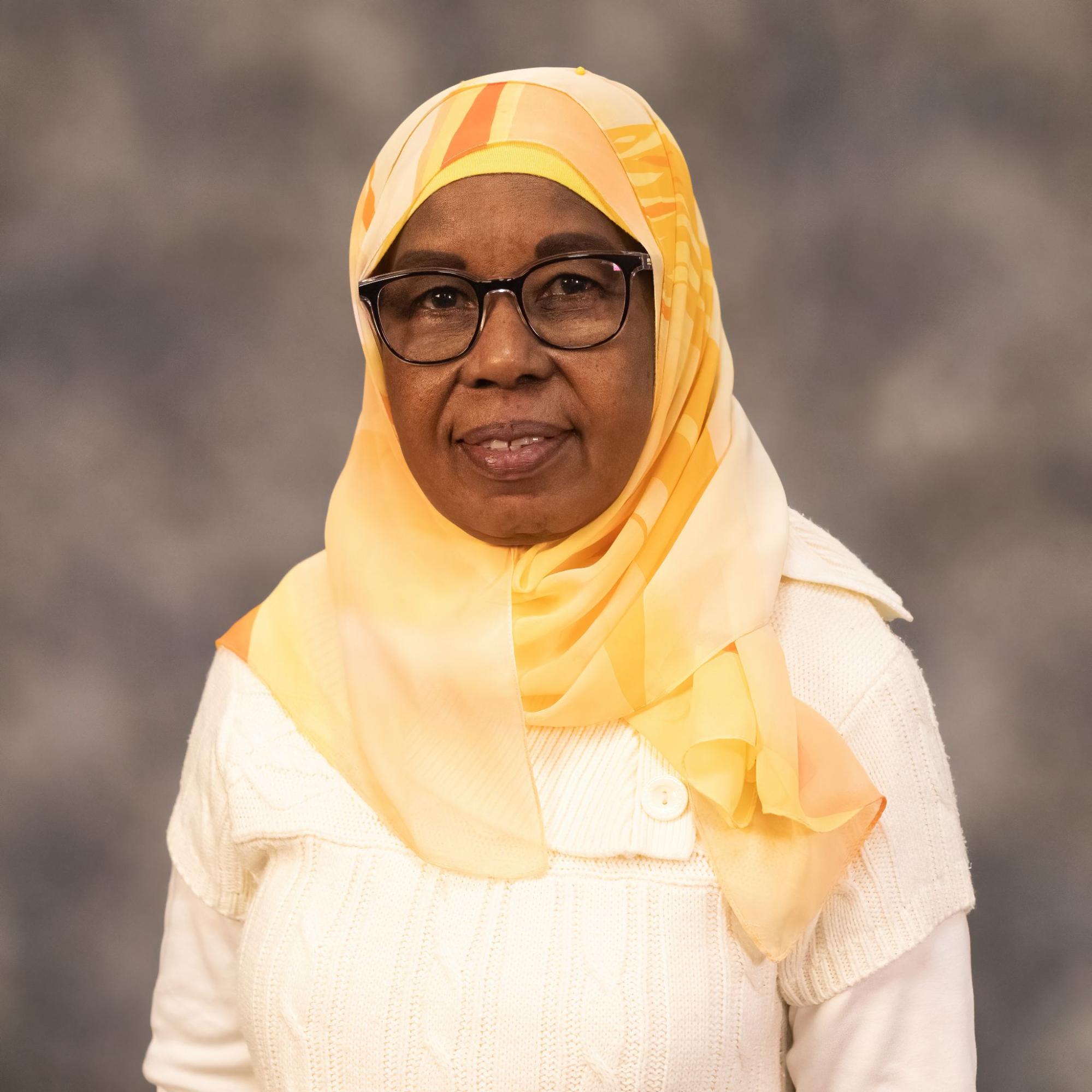
Hager Mohamed

Arabic

Sudanese Dialect

Hager Mohamed
(402) 436-1958

Claudia Rains

Spanish

Claudia Rains
(402) 436-1988

Khudhur Ali

Kurdish

Khudhur Ali
(402) 436-1994

Sernaypaw

Karen/Burmese

Sernaypaw
(402) 436-1434

Toan Tran

Vietnamese

Toan Tran
(402) 436-1955

Pashto

Amanullah Ahadi
(402) 436-1832

Russian/Ukrainian

Olena Savchenko
(402) 436-1524

Culler Counseling

The mission of Culler Middle School’s counseling program is to advocate for ALL students which is demonstrated through forming positive connections and cultivating a sense of community. As professional school counselors, we will provide a comprehensive, data driven, developmentally-appropriate program that supports each student’s academic, prosocial, and career development.

High School Information

All incoming 9th grade information can be found on this website: https://home.lps.org/prepare

Some of the things you will find:

  • High school choice form which is due January 5th
  • Open house dates for all of the high schools

Nutrition Assistance in Lincoln-See the link below for more information

Read the dates programs are available through the NEP’s website.

Focus Program Information Nights

  • Arts and Humanities (two opportunities)
    • Tuesday, Nov. 11
      • In-Person Info Night
      • Open to all LPS students and families in eighth grade
      • 6-7 p.m.
      • Arts and Humanities Campus, 643 S. 25th St., #15
    • Tuesday, Nov. 18
      • Virtual Info Night
      • Open to all LPS students and families in eighth grade
      • 5:30-6:30 p.m.
      • Contact Arts and Humanities Focus Program Administrator Darla Berks at dberks@lps.org for the Zoom link.
  • Aviation and Technical Education
    • Wednesday, Nov. 12
      • In-person Info Night
      • Open to all LPS students and families in grades 8-11
      • 6-7 p.m.
      • North Star High School, 5801 N. 33rd St. (Aviation Wing, enter through door 3)
  • International Baccalaureate (IB)
    • Saturday, Nov. 8
      • IB Academy Day (registration required)
      • Open to all LPS students and families in grades 7-8.
      • 8 a.m.-noon
      • Lincoln High School, 2229 J St.
      • Registration deadline is Nov. 1.
      • For more information, contact J.P. Caruso at jpcaruso@lps.org
  • Science Focus
    • Thursday, Nov. 13
      • Virtual Info Night
      • Open to all LPS students and families in grades 8-11
      • 5-6 p.m.
      • Contact Science Focus Program Administrator Lindsey Roy at lroy@lps.org for the Zoom link.
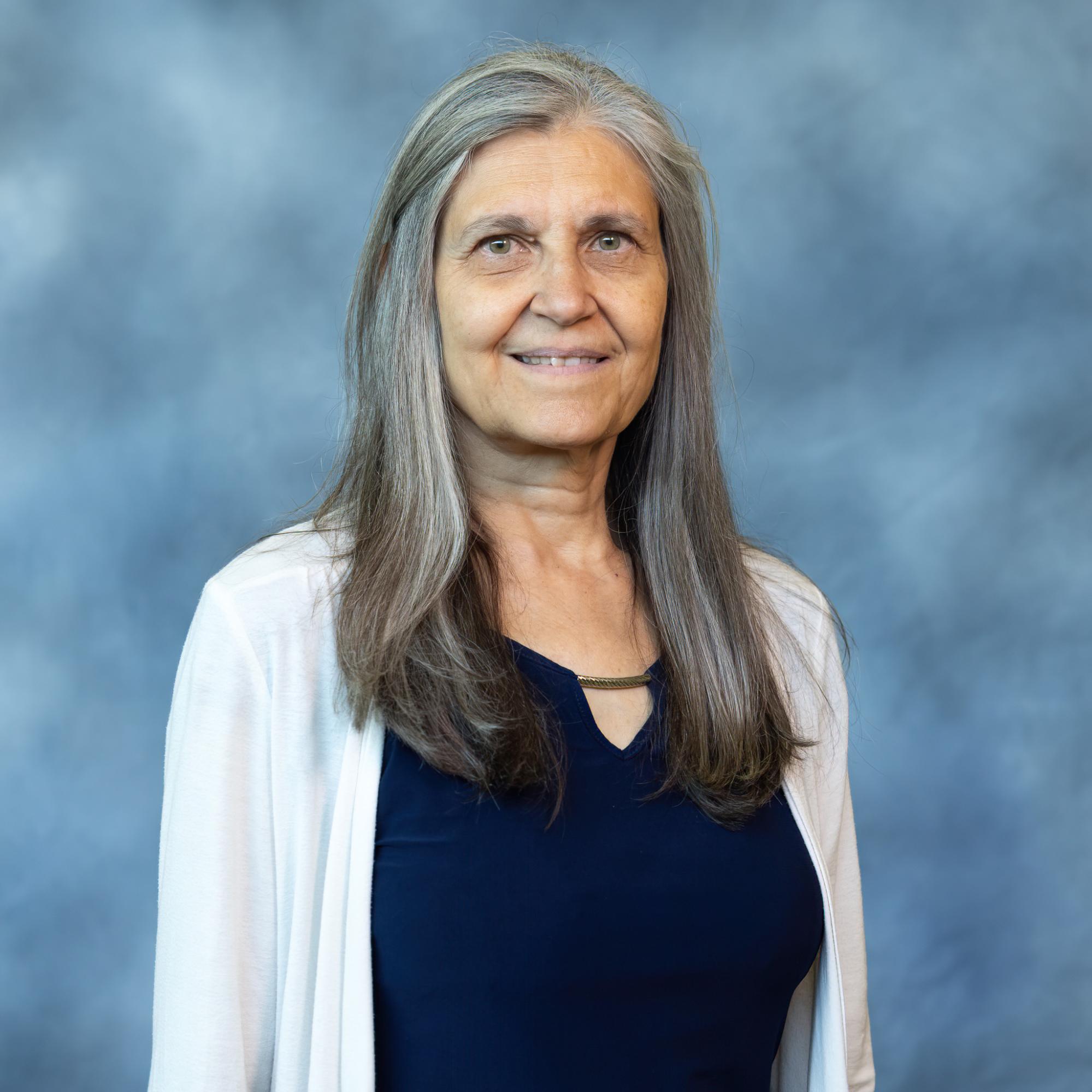
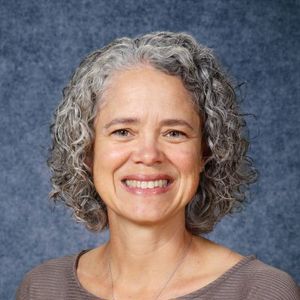
Picture of Drue Marr
Drue Marr

6th Grade
dmarr@lps.org

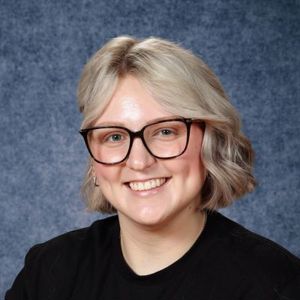
Picture of Kylie Washburn
Kylie Washburn
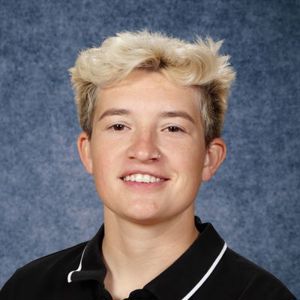
Picture of Sarah Charles
Sarah Charles

8th Grade
scharles@lps.org

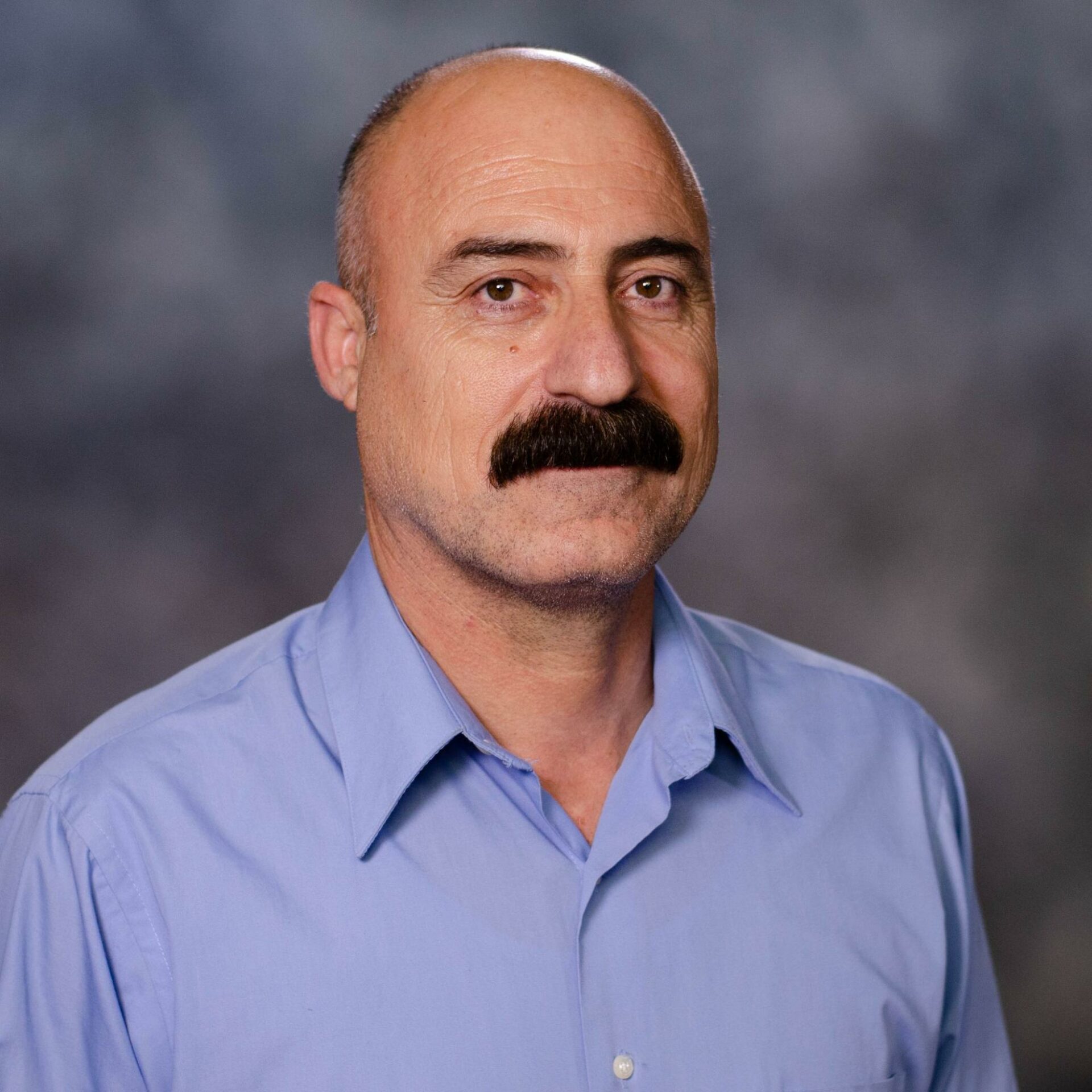
Picture of Silvio Quirino Xavier
Silvio Quirino Xavier

Attendance Counselor
squirino@lps.org

Picture of Kelly Grefe
Kelly Grefe

Registrar
kgrefe@lps.org

Picture of Denise Klein
Denise Klein

Social Worker
dklein3@lps.org

Technology for Learning

Chromebook use during Winter Break

LPS Chromebooks may be used for any type of learning activity during Winter Break. Keep in mind that Chromebook use is governed by a responsible use agreement (lps.org/go/rua) and that all websites are filtered by LPS. Be sure your student follows these best practices:
Charge the Chromebook every night to ensure enough life in the battery to support learning during the day and upon their return to school in January.
Restart the Chromebook occasionally to keep the Chromebook software up-to-date and avoid some of the most common problems experienced by students.

If leaving the house, carry the Chromebook in the LPS-provided protective bag.

Personal Computing Devices

This time of year often brings questions about whether students are allowed to bring/use personal computing devices at school. Where connecting to the LPS network and/or completing school work is concerned, the answer is “no.” There are a number of reasons for this, but you should be aware that the LPS Chromebook comes with limits on the web sites that can be visited and the applications that can be accessed. You can support teachers’ efforts in managing a consistent learning environment by encouraging your student to use the district-issued Chromebook for all school work.

New Synergy ParentVUE & StudentVUE apps

Families might notice when they launch and sign in to the ParentVUE/StudentVUE apps on a mobile device, it may ask you if you would like to download the new app. You should not be alarmed. The company is rolling out new ParentVUE & StudentVUE apps, instead of updating the old. Installing the new app is not a requirement at this time but will be at some point.

ParentVue is a component of the LPS Student Information System that allows parents/guardians to:

  • Access class information
  • Obtain email addresses to message teachers
  • Monitor attendance & report all-day absences 24×7
  • View and print report cards
  • Secondary Only: Monitor grades & automatically receive notifications when a grade falls below a selected level

Need Assistance?